VALIDATOR & FIXER
Checks geometry.json, render controllers and ambiguous or duplicate model names, then auto-resolves the obvious issues — broken references, ambiguities, small details — and flags the rest for you.
Minecraft Bedrock Skin Manager
Each module does exactly one thing, and does it well.
Checks geometry.json, render controllers and ambiguous or duplicate model names, then auto-resolves the obvious issues — broken references, ambiguities, small details — and flags the rest for you.
Check and fix skin packs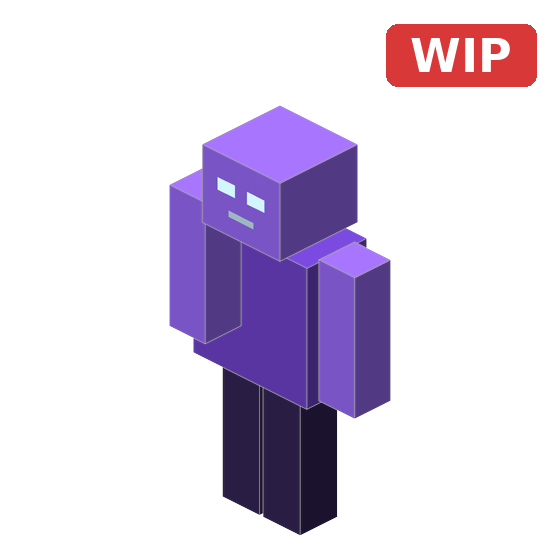
Preview bones, cubes and pivots of custom geometries with the skin applied, rotating live — 4D (cubes) and 5D (poly_mesh), with a built-in renderer.
View and edit models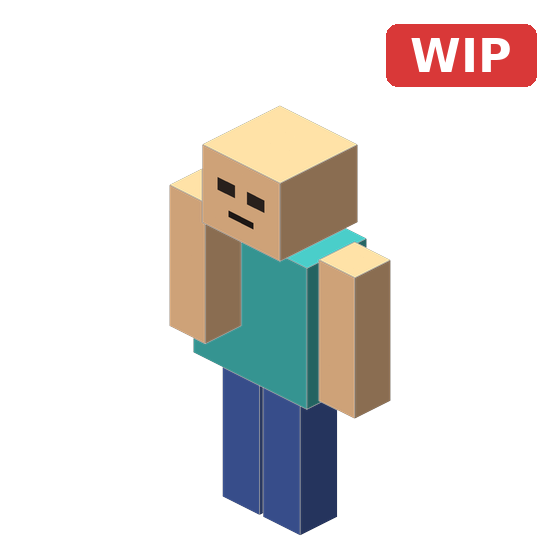
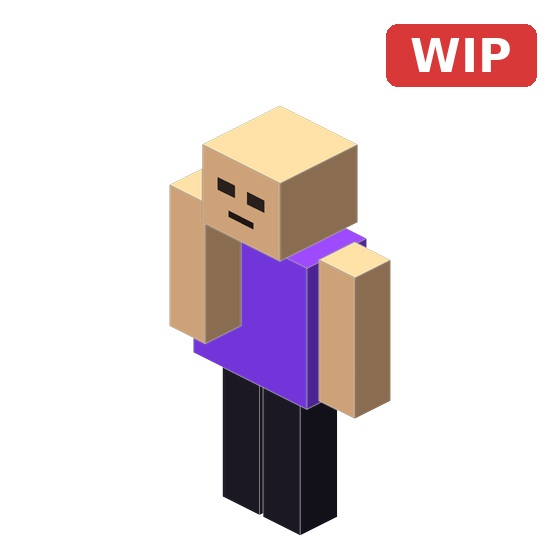
See a regular Minecraft Bedrock skin applied to the Steve/Alex model, rotating live, before using it in-game.
View and edit classic skins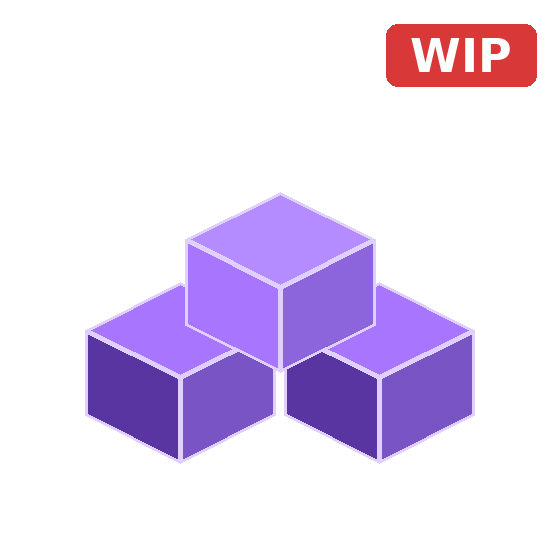
Generates the full skin pack structure — manifest, geometry and textures — without touching a console.
Create skin packs for Bedrock
Import an .obj or a 1.12 geometry .json + texture, assign parts to bones, adjust pivots visually, and export a real Bedrock 1.8.0 poly_mesh — ready as a full skin pack.
Convert 3D models to skins
A Blockbench-style skin editor: draw on the 2D texture and see it update on the 3D model instantly. Supports 64x64, 64x32 and 128x128, with base and overlay layers, import, and PNG export.
Create classic skinsNo recent projects yet — start by validating a pack or building a skin.
Validating, fixing, previewing and building skin packs all runs locally in JavaScript — nothing is uploaded anywhere. The only outside requests are the skin look-ups you ask for in the Skinpack Maker.
Full interface in both languages, with automatic browser-language detection.
Not a generic validator: it understands custom geometries, extra layers and ambiguous models.
MBSM is built in the open. Report bugs, request features or check the code yourself.
Open the validator and check your first pack in under a minute.
Get startedEverything for 4D/5D Minecraft Bedrock skin packs: validate and automatically fix broken references, missing files or JSON errors, or preview your 5D and 4D models live in 3D without leaving MBSM.
Accepts .zip and .mcpack Minecraft Bedrock skin pack files.
The analysis runs entirely in your browser.
No file is ever sent to any external server.
Select or drag a ZIP or MCPACK file to start the analysis.
Live 3D preview for 4D/5D geometries: both 5D models (poly_mesh) and 4D models (cubes) render right here with MBSM's own renderer.
Import a 3D model (.obj) exported from Blender, or an existing Bedrock model (geometry .json, 1.8 or 1.12+ with cubes, box UV or per-face UV), assign its parts to a skeleton's bones, position pivots visually, and export a real Bedrock 1.8.0 geometry (poly_mesh) — ready as a full skin pack (manifest.json, skins.json, lang and textures included).
Suelta tu modelo (.obj o .json) y tu textura aquí
Sube un archivo .obj exportado desde Blender/otro programa, con sus objetos o grupos nombrados (cabeza, brazo, torso, etc.) y una textura.
Cuanto mejor nombrados estén los grupos del .obj, mejor podrá autoasignarlos esta herramienta a los huesos del esqueleto.
Preview regular Minecraft Bedrock skin packs in 3D, or build your own pack from scratch.
Accepts .zip and .mcpack Minecraft Bedrock skin pack files.
Build a regular Minecraft Bedrock skin pack: import skins, choose their model, and download a ready-to-install .mcpack.
Accepts 64x64, 64x32 (legacy) and 128x128 skins.
Fetches the current skin of a Minecraft Java Edition account.
No skins added yet.
Click a field above, then tap a color or format to insert it there.
Draw a Minecraft Bedrock skin from scratch or import one to edit, with a live 3D preview — everything stays in your browser.
MBSM is a free toolbox for Minecraft Bedrock skin packs that runs almost entirely in your browser: a validator for 4D/5D packs with custom geometries, a 3D skin viewer, a 4D/5D viewer with its own renderer, a Model to Skin 1.8 converter that turns a 3D model (or a 1.12 geometry) into a working 5D skin pack, and a skin pack builder. Your files are processed locally — the only outside requests are the skin look-ups you ask for in the Skinpack Maker.
The goal is to catch exactly the mistakes that usually make a skin not show up in-game, a model fail to load, or textures break — and to make building a pack from scratch simple.
Checks geometry.json, render controllers and ambiguous or duplicate model names, then auto-resolves the obvious issues — broken references, ambiguities, small details — and flags the rest for you.
Preview bones, cubes and pivots of custom geometries with the skin applied, rotating live — 4D (cubes) and 5D (poly_mesh), with a built-in renderer.
See a regular Minecraft Bedrock skin applied to the Steve/Alex model, rotating live, before using it in-game.
Generates the full skin pack structure — manifest, geometry and textures — without touching a console.
Import an .obj or a 1.12 geometry .json + texture, assign parts to bones, adjust pivots visually, and export a real Bedrock 1.8.0 poly_mesh — ready as a full skin pack.
Verifies that the identifiers used in skins.json actually exist in geometry.json.
Checks that every image referenced by a skin physically exists inside the package and detects upper/lowercase mismatches.
Checks that every localization_name has its matching entry in texts/.lang and detects missing or extra keys.
Validates UUID, format_version, present modules and other common issues in manifest.json.
Detects JSON files with syntax errors and shows the approximate location of the problem whenever possible.
Compares names, paths, duplicate references and overall consistency across every file in the skinpack.
404
There's no tool at this address — it may be mistyped, or the link is outdated.
Back to HomePick your own colors and, if you want, a background. Everything stays on this device — it's never uploaded or shared.
It will play on loop, without stopping.